

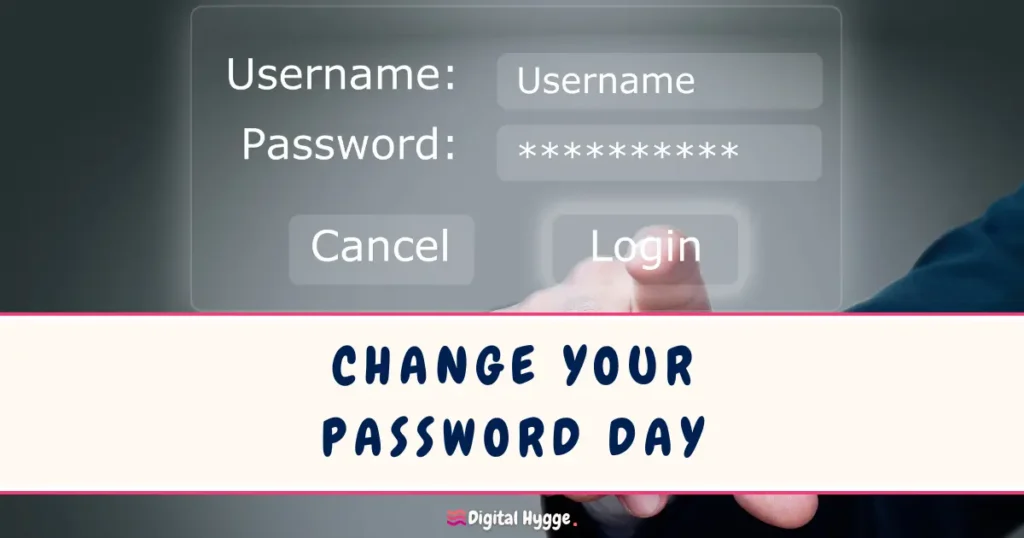

Change Your Password Day is observed each year on February 1. It emerged in the early 2010s as data breaches became more frequent and public, highlighting how easily weak or reused passwords could expose personal information. The purpose of the day is to encourage people to review their digital security habits and reduce the risk of unauthorized access.
In recent years, the focus has expanded beyond simply changing passwords. Security guidance now emphasizes tools such as passkeys and multi-factor authentication, which add extra layers of protection. People are invited to mark the day by checking their most sensitive accounts, including email, banking, and social media, and by making sure the same password is not reused across services.
The observance has also increased awareness of password managers like 1Password, Dashlane, and Bitwarden. Cybersecurity experts use the day to challenge the idea that “complex” passwords like P@ssw0rd1! are secure, instead recommending long pass phrases made of several random words, which are easier to remember but significantly harder for AI-driven brute force attacks to crack.
When is Change Your Password Day?
Change Your Password Day is observed each year on February 1. The date serves as a reminder to review account security, update outdated credentials, and adopt stronger protection methods. Below are the upcoming dates for Change Your Password Day in the coming years.
| Year | Date |
|---|---|
| 2026 | February 1, Sunday |
| 2027 | February 1, Monday |
| 2028 | February 1, Tuesday |
| 2029 | February 1, Thursday |
| 2030 | February 1, Friday |
Why You Should Change Your Password Regularly
Changing your passwords periodically ensures that even if older passwords are compromised, your accounts remain secure. By updating passwords regularly, you’re also in line with recommended practices from cybersecurity experts who advise that passwords be changed at least every few months. Additionally, using a password manager can simplify this process, helping to generate and remember complex passwords for each account.
Ways to Celebrate Change Your Password Day
For Change Your Password Day, take a moment to strengthen your online security. Here are a few steps to get started:
- Update your passwords: Start with your most important accounts, like email and banking. Use a mix of letters, numbers, and symbols. Also, be sure not to choose a password that can easily be guessed by just knowing a few personal facts about you.
- Use a password manager: This can help you securely store and organize your passwords, ensuring they’re unique for each site.
- Enable multi-factor authentication: Adding an extra layer of security through multi-factor authentication makes it harder for unauthorized users to gain access.